
Free AI Detector No Login Unlimited 2026: Check AI Content Instantly
Discover the best free AI detector no login unlimited options in 2026. Check AI content instantly, no signup required. Fast, accurate, and private.
Free AI Detector No Login Unlimited 2026: Check AI Content Instantly
Introduction
Are you frustrated by yet another signup wall just to check if your writing sounds AI-generated? You're definitely not alone.
In 2026, AI-written content has become incredibly common. Students use it for essays. Marketers use it for blogs. Professionals use it for emails. But here's the problem: verifying authenticity shouldn't require surrendering your privacy or creating endless accounts.
That's exactly where a free AI detector no login unlimited solution becomes invaluable. No email verification. No credit card. No daily limits. Just paste your text, get instant results, and move on with your day.
Throughout this guide, we'll show you how to find trustworthy detectors, use them effectively, and understand what the results really mean. And if you ever need to refine flagged content, tools like DetecAI can help you understand why certain passages get flagged and suggest natural improvements—without forcing you through a signup process.
Let's dive in.
What is a Free AI Detector No Login Unlimited?
Let's break this down in plain English—no tech jargon, no confusion.
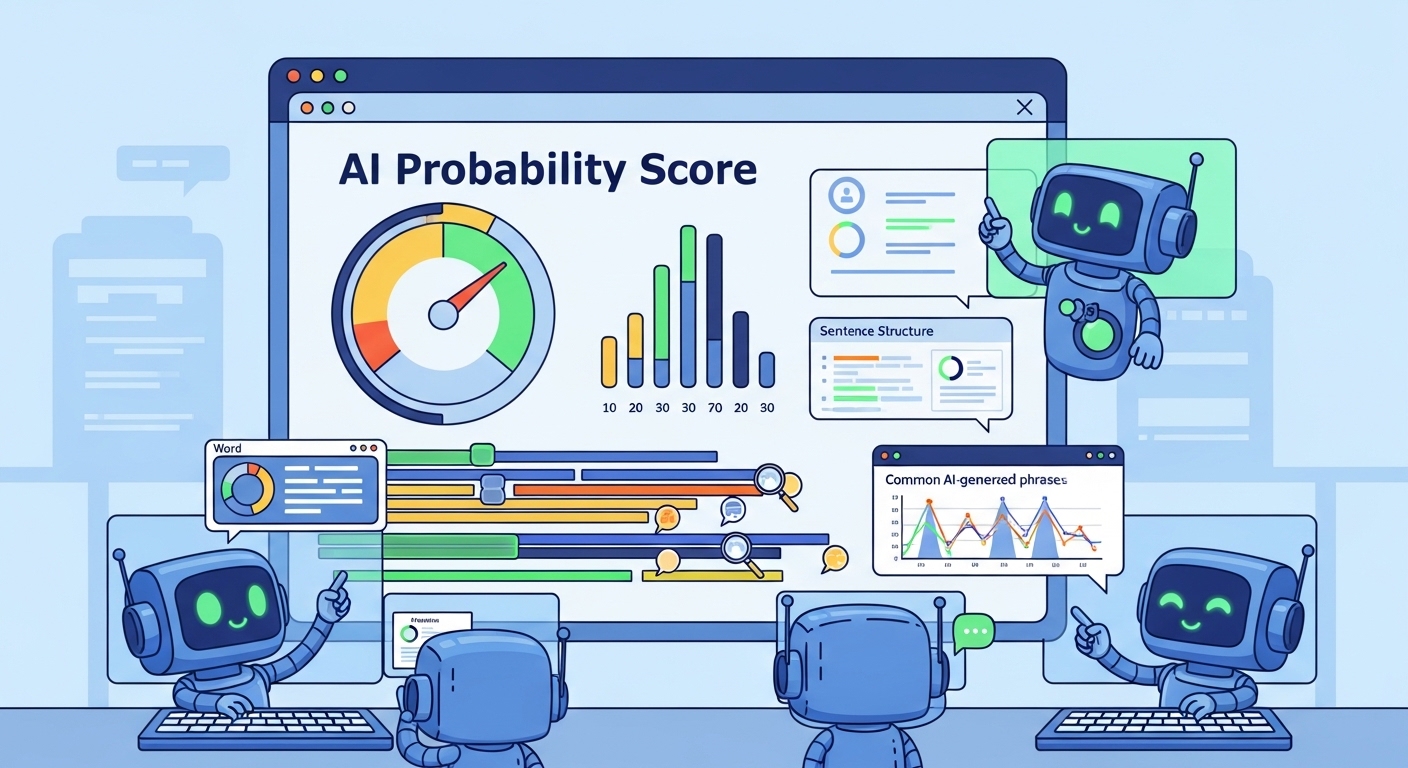
An AI detector is a tool that analyzes written text and estimates whether it was created by a human or generated by artificial intelligence. Think of it like a plagiarism checker, but instead of looking for copied content, it looks for AI writing patterns.
When we say free AI detector no login unlimited, we mean:
| Feature | What It Means |
|---|---|
| Free | No payment required for core functionality |
| No Login | No account creation, email verification, or password needed |
| Unlimited | No daily caps, word limits, or "3 checks per day" restrictions |
These tools work by analyzing linguistic patterns that AI models typically produce, such as:
- Repetitive sentence structures – AI tends to use similar patterns repeatedly
- Unnatural word choices – Some phrases sound technically correct but feel robotic
- Overly perfect grammar – Humans make small errors; AI rarely does
- Lack of personal voice – AI struggles with genuine emotion and unique perspective
- Predictable phrasing – AI often chooses the most statistically likely words
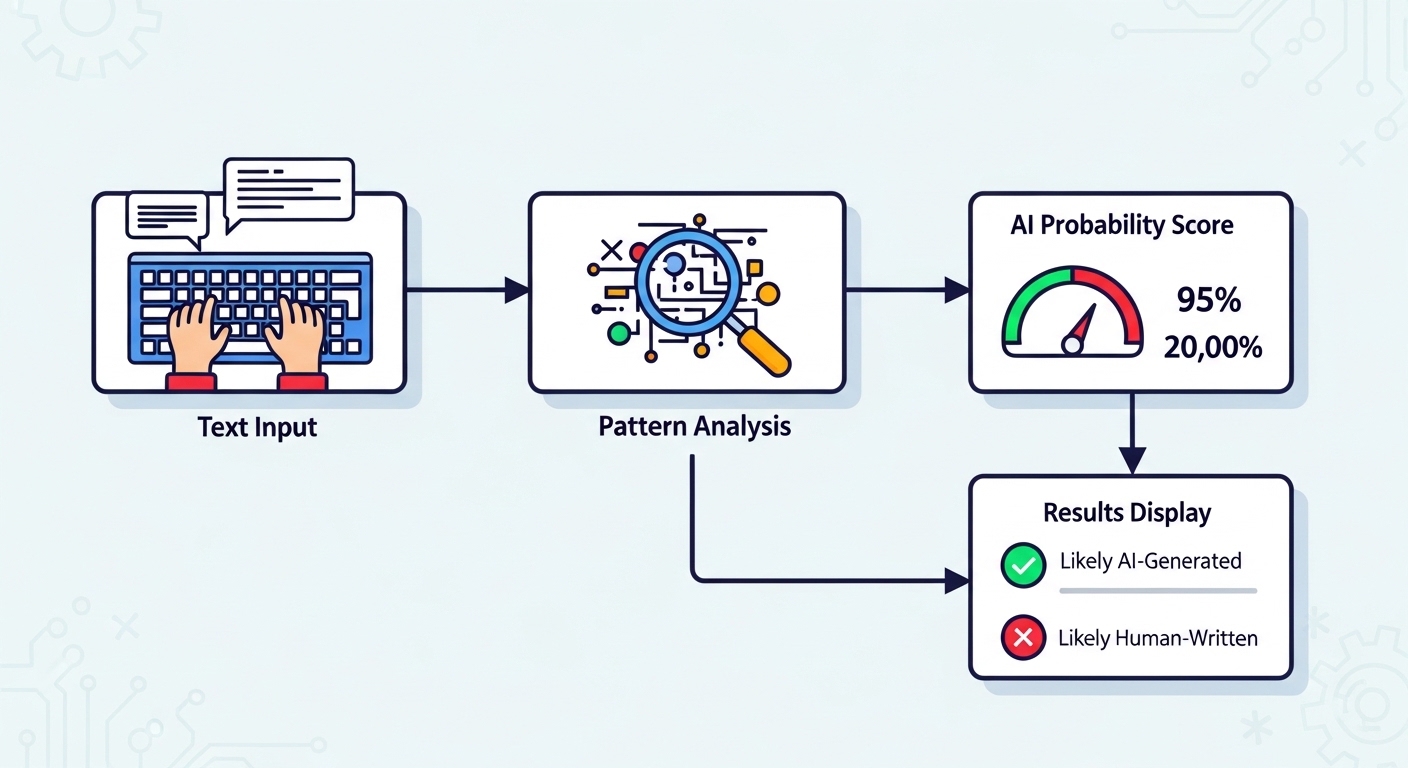
When you paste text into a detector, it scans for these patterns and returns a probability score. For example, "75% likely AI-generated" means the tool found strong AI indicators in your content.
💡 Important Note: No detector is 100% accurate. Treat results as helpful guidance—not absolute proof.
Why It Matters in 2026
You might be wondering: "Do I really need this?" The short answer is yes—more than ever.
Here's why AI detection matters across different scenarios:
🎓 For Students
Academic integrity is under scrutiny like never before. Many schools now use AI detection software to review submissions. Running your own work through a detector before submitting helps you:
- Catch accidental AI-like phrasing
- Ensure your voice comes through clearly
- Avoid false accusations of AI misuse
- Build confidence in your original writing
✍️ For Content Creators
Google and other search engines prioritize authentic, human-created content. If your blog posts or articles sound too robotic, you risk:
- Lower search rankings
- Reduced reader engagement
- Damaged credibility with your audience
A quick AI check helps maintain your unique voice while still leveraging AI for brainstorming or outlines.
💼 For Professionals
Whether you're reviewing team submissions, client deliverables, or marketing copy, AI detection helps ensure:
- Brand voice consistency
- Quality control across multiple writers
- Transparency with stakeholders
- Protection against low-quality AI-generated content
🔒 For Privacy-Conscious Users
Here's something many people overlook: when you use a tool that requires login, your text might be stored, analyzed, or even used for training future AI models. A no-login detector keeps your content private and deletes it after analysis.
In 2026, with data privacy concerns growing, this matters more than ever.
Step-by-Step Guide: How to Use a Free AI Detector (No Login Required)
Using these tools is refreshingly straightforward. Follow these steps for accurate, hassle-free results:
Step 1: Find a Trustworthy Detector
Not all free detectors are created equal. Look for these green flags:
✅ Clear privacy policy – States that text is deleted after analysis
✅ Transparent methodology – Explains how detection works (not just "military-grade AI")
✅ No hidden upsells – Free version actually works without constant paid upgrade prompts
✅ Fast processing – Results in under 10 seconds
✅ Mobile-friendly – Works on any device without zooming or scrolling issues
Bookmark 2–3 reliable options. If one slows down or adds restrictions, you have backups ready.
Step 2: Prepare Your Text
For the most accurate results:
- Minimum 150 words – Short snippets often give unreliable scores
- Complete paragraphs – Don't chop mid-sentence
- Original formatting – Keep line breaks and structure intact
- Avoid special characters – Remove excessive emojis or symbols that might confuse the analyzer
If you're checking a long document, break it into sections of 300–500 words for more granular insights.
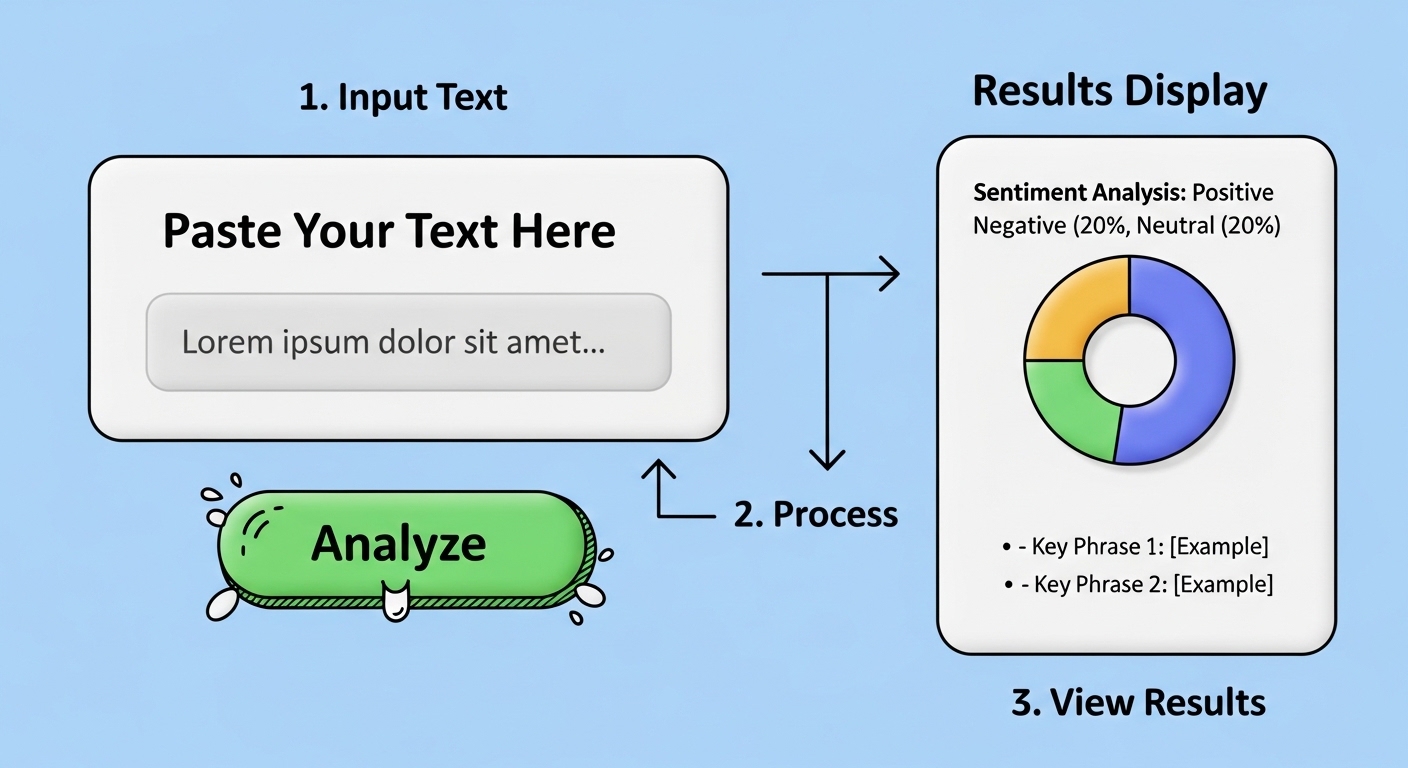
Step 3: Paste and Analyze
This is the easy part:
- Copy your text to clipboard
- Paste into the detector's input box
- Click "Check," "Analyze," or "Detect"
- Wait for results (usually 5–10 seconds)
Most tools will display:
- An overall AI probability percentage
- Color-coded highlights showing suspicious sections
- Brief explanations of why certain parts were flagged
Step 4: Review and Take Action
Here's where many people go wrong—they panic at any AI score. Don't.
Instead:
🔍 Read the highlighted sections – Do they actually sound robotic?
🔍 Consider context – Technical or formal writing often triggers false positives
🔍 Check consistency – Run the same text through 2–3 detectors for comparison
🔍 Refine if needed – If you did use AI assistance, add personal examples or rephrase flagged sections
👉 Pro Tip: If your content gets flagged but you wrote it yourself, tools like DetecAI offer both detection and humanization features. You can see why passages were flagged and get suggestions for making them sound more natural—no signup required.
Step 5: Document Your Process (For Academic/Professional Use)
If you're submitting work where AI detection matters:
- Save screenshots of your detector results
- Keep drafts showing your writing process
- Note any AI tools you used for brainstorming (transparency builds trust)
- Be prepared to explain your writing choices if questioned
This protects you if false positives occur later.
Pro Tips for Maximum Accuracy
Even the best tools need smart usage. Here's how to get the most reliable results:
🔹 Check Longer Passages
AI detectors struggle with short text. Under 50 words? Results are basically guesses. Aim for 150+ words minimum, 300+ for best accuracy.
🔹 Run Multiple Checks
No single detector is perfect. Different tools use different models. If one flags your work and another doesn't, dig deeper into the specific highlighted sections.
🔹 Look Beyond the Percentage
A "70% AI" score doesn't automatically mean "guilty." Read the actual flagged content. Does it sound robotic? Or is it just well-structured writing?
🔹 Use Detectors During Editing
Don't wait until the final draft. Check sections as you write. This helps you catch AI-like phrasing early and adjust your tone while you're still in flow.
🔹 Combine With Human Review
Algorithms miss context. If a detector flags a technical paragraph you wrote yourself, trust your knowledge. Add more personal examples or anecdotes to strengthen authenticity.
🔹 Understand False Positive Triggers
Certain writing styles naturally trigger AI flags:
- Highly formal or academic tone
- Technical documentation
- Bullet-point heavy content
- Repetitive sentence structures (even when human-written)
Knowing this helps you interpret results wisely.
🔹 Consider an AI Humanizer for Refinement
Sometimes detection reveals patterns you didn't notice. Running flagged content through an AI humanizer tool can suggest natural revisions while keeping your core message intact.
Common Mistakes to Avoid
Even experienced users make these errors. Steer clear to save time and frustration:
❌ Relying on One Tool Alone
Different detectors = different results. Cross-reference when stakes are high (academic submissions, client work, published content).
❌ Ignoring False Positives
Highly structured, formal, or technical writing can trigger AI flags—even when 100% human-written. Context matters more than percentages.
❌ Over-Optimizing to "Beat" the Detector
Don't rewrite your entire piece just to lower an AI score. Focus on clarity, value, and authentic voice first. Readers (and search engines) reward genuine content.
❌ Pasting Sensitive or Private Text
Even "no login" tools may temporarily log inputs. Never share:
- Confidential business information
- Personal data (addresses, phone numbers, IDs)
- Unpublished work you're not comfortable being processed
- Passwords or security-related content
❌ Assuming "Unlimited" Means Infinite Speed
Some free tools add brief wait times between checks to manage server load. Plan accordingly if you're analyzing multiple documents.
❌ Treating Results as Absolute Truth
AI detection is probabilistic, not definitive. Use it as one data point—not the sole decision-maker for important judgments.
❌ Forgetting to Check Privacy Policies
Not all "no login" tools actually delete your data. Always verify the privacy policy before pasting important content.
Examples & Comparison: Before vs After
Let's make this concrete with real examples.
Example 1: Student Essay
Before (AI-Flagged):
"Artificial intelligence has significantly transformed various industries in the modern era. The implementation of machine learning algorithms has enabled organizations to optimize their operational efficiency."
Why it got flagged:
- Generic opening phrase ("significantly transformed")
- Passive voice throughout
- No specific examples or personal perspective
After (Humanized):
"When I started my internship last year, I watched AI transform our workflow overnight. Suddenly, tasks that took hours were done in minutes—but I also noticed what the machines couldn't do: understand our clients' real concerns."
Why it passes:
- Personal anecdote
- Specific details
- Natural voice and emotion
Example 2: Blog Introduction
Before (AI-Flagged):
"In today's digital landscape, content creation has become increasingly important for businesses seeking to establish their online presence."
After (Humanized):
"Three years ago, I struggled to write a single blog post. Today, I publish weekly—and here's what actually moved the needle for my business."
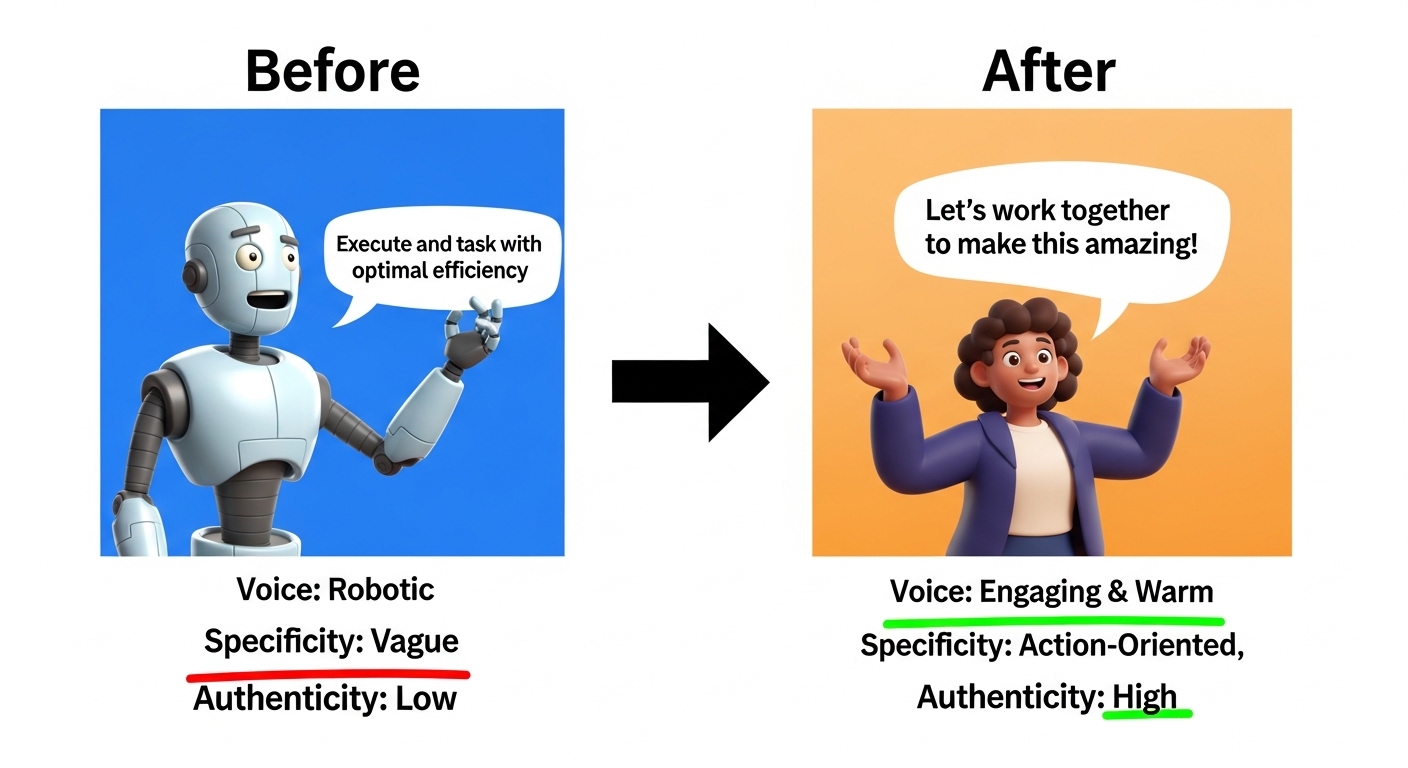
Example 3: Marketing Copy
Before (AI-Flagged):
"Our solution provides comprehensive features designed to enhance productivity and streamline workflows for modern teams."
After (Humanized):
"We built this tool because we were tired of juggling six different apps just to finish one project. Now our team actually finishes work before 5 PM."
Key Takeaway: Specificity, personal perspective, and concrete details make content sound human—even when AI helped with initial drafts.
Internal Linking Suggestions
When exploring AI content tools, you might find these resources helpful:
🔗 AI Detector Tool – For deeper analysis with advanced features like batch checking, API access, and detailed pattern reports. Ideal for teams or high-volume users.
🔗 AI Humanizer Tool – When your content gets flagged but you know it's original, a humanizer can help refine phrasing while maintaining your message. Great for polishing AI-assisted drafts.
🔗 Content Quality Guide – Learn more about balancing AI efficiency with human authenticity for better engagement and SEO performance.
💡 These tools work best together: detect first, then humanize if needed, then verify again.
FAQ
1. Are free AI detectors accurate in 2026?
Most reputable free tools achieve 80–90% accuracy for clear-cut cases. However, they struggle with short texts (under 100 words), highly technical writing, or hybrid human-AI content. Use results as guidance—not absolute verdicts. For critical decisions, cross-reference multiple detectors.
2. Can I really use them unlimited without login?
Yes—but read the fine print. Some tools offer "unlimited" checks but throttle speed after heavy usage. Others limit word count per paste (e.g., 1,000 words max). Truly unlimited options exist but may have brief wait times between analyses to manage server load.
3. Do these tools store my text?
Reputable no-login detectors delete your input immediately after analysis. Always check the privacy policy before pasting sensitive content. When in doubt, avoid sharing confidential information, personal data, or unpublished work you're not comfortable being processed.
4. What if the detector flags my original writing?
False positives happen frequently! Highly structured, formal, or technical writing often triggers AI flags—even when 100% human-written. Review the highlighted sections: if they're genuinely yours, add more personal voice, specific examples, or emotional context to balance them.
5. How do AI detectors actually work?
They analyze linguistic patterns including sentence length variation, word choice predictability, syntactic complexity, and semantic consistency. Models are trained on massive datasets of known human and AI text. Think of them as pattern-recognition assistants—not truth detectors.
6. Can I trust results for academic work?
Use detectors as one data point—not the sole decision-maker. Combine results with instructor judgment, writing process documentation, draft history, and traditional plagiarism checks for fair evaluation. Many schools now recognize detector limitations in their policies.
7. What's the best alternative if a tool has hidden limits?
Bookmark 2–3 reliable free detectors. If one slows down or adds restrictions, switch to another. Community forums, educator groups, and tech blogs often share updated recommendations for trustworthy no-login options.
8. Do AI detectors work on all languages?
Most free detectors focus on English. Some support Spanish, French, German, and other major languages, but accuracy varies. For non-English content, look for tools that specifically advertise multilingual support.
9. Can detectors identify which AI model wrote the text?
Advanced paid tools sometimes attempt this (GPT-4 vs. Claude vs. Gemini), but free no-login detectors typically just indicate "AI-generated" vs. "human-written" without specifying the source model.
10. Is using AI detectors ethical?
When used transparently and fairly, yes. Problems arise when detectors become the sole basis for accusations without human review. Always combine automated results with contextual understanding and direct communication.
Conclusion
Finding a free AI detector no login unlimited option in 2026 is easier than you might think—and incredibly valuable when used thoughtfully.
Remember: these tools exist to support your work, not replace your judgment. They help you spot potential issues, refine your voice, and maintain trust with your audience.
Key Takeaways:
✅ Prioritize privacy-friendly, transparent tools
✅ Combine automated checks with human review
✅ Focus on creating valuable, authentic content first
✅ Use detection insights to improve—not to game the system
✅ Keep backups of 2–3 reliable detectors for cross-reference
Whether you're a student protecting your academic integrity, a creator maintaining audience trust, or a professional ensuring quality control, the goal isn't to "beat" AI detectors. It's to write with clarity, integrity, and your unique perspective.
And when you need a quick, no-hassle check? A reliable free AI detector no login unlimited solution has your back—fast, private, and ready when you are. If you ever need to understand why content was flagged or want suggestions for natural improvements, platforms like DetecAI offer both detection and refinement tools without forcing signup walls.
🌟 One Last Tip: Bookmark this guide. Keep 2–3 trusted detectors saved. And never forget: your human voice is your greatest asset. No algorithm can replicate that.
Happy writing—and even happier verifying! ✍️🔍